

CreativeHadleyDike
From Paper to Pixels: Digitize Your Sewing Patterns (Online Course)
From Paper to Pixels: Digitize Your Sewing Patterns (Online Course)
Couldn't load pickup availability
Got patterns stuck on paper? Folded, taped, torn, and impossible to change without redrawing the whole thing? In From Paper to Pixels, you'll learn three simple ways to bring any sewing pattern onto your computer so you can edit it, print it, project it, and keep it safe forever.
No tech overwhelm. Clear, step-by-step video lessons for hobbyists and aspiring pattern sellers alike.
What you'll be able to do
- Digitize any paper pattern by scanning it, photographing it, or using a projector
- Clean up and finalize your new digital pattern pieces
- Edit and adjust your patterns on screen without redrawing from scratch
- Set up print boards so you can print your patterns at home
- Store and reuse your patterns so you never lose a version again
Three methods to choose from
- Method 1 – Scanning & Importing: scan your pattern, bring it into your software, and trace clean lines
- Method 2 – Photographing & Importing: no scanner needed, digitize from a photo
- Method 3 – Projector Drawing: use a projector to bring your pattern onto the screen
Pick the method that fits the tools you already have.
What's inside: 29 video lessons
- Welcome & Introduction
- Method 1: Scanning & Importing Patterns
- Method 2: Photographing & Importing Patterns
- Method 3: Projector Drawing
- Finalizing Your Newly Digitized Patterns
- Setting Up Print Boards to Print Your Patterns
- Conclusion & Next Steps
- Bonus Lessons
Who it's for
- Sewists with a stack of paper patterns they want to keep, alter, or reuse
- Pattern makers who draft by hand and want digital files to sell
- Anyone curious about projector sewing
You'll need: a computer and Adobe Illustrator, CLO3D, or Affinity Designer (free trials are available), plus a scanner, phone camera, or projector depending on the method you choose.
Meet your teacher
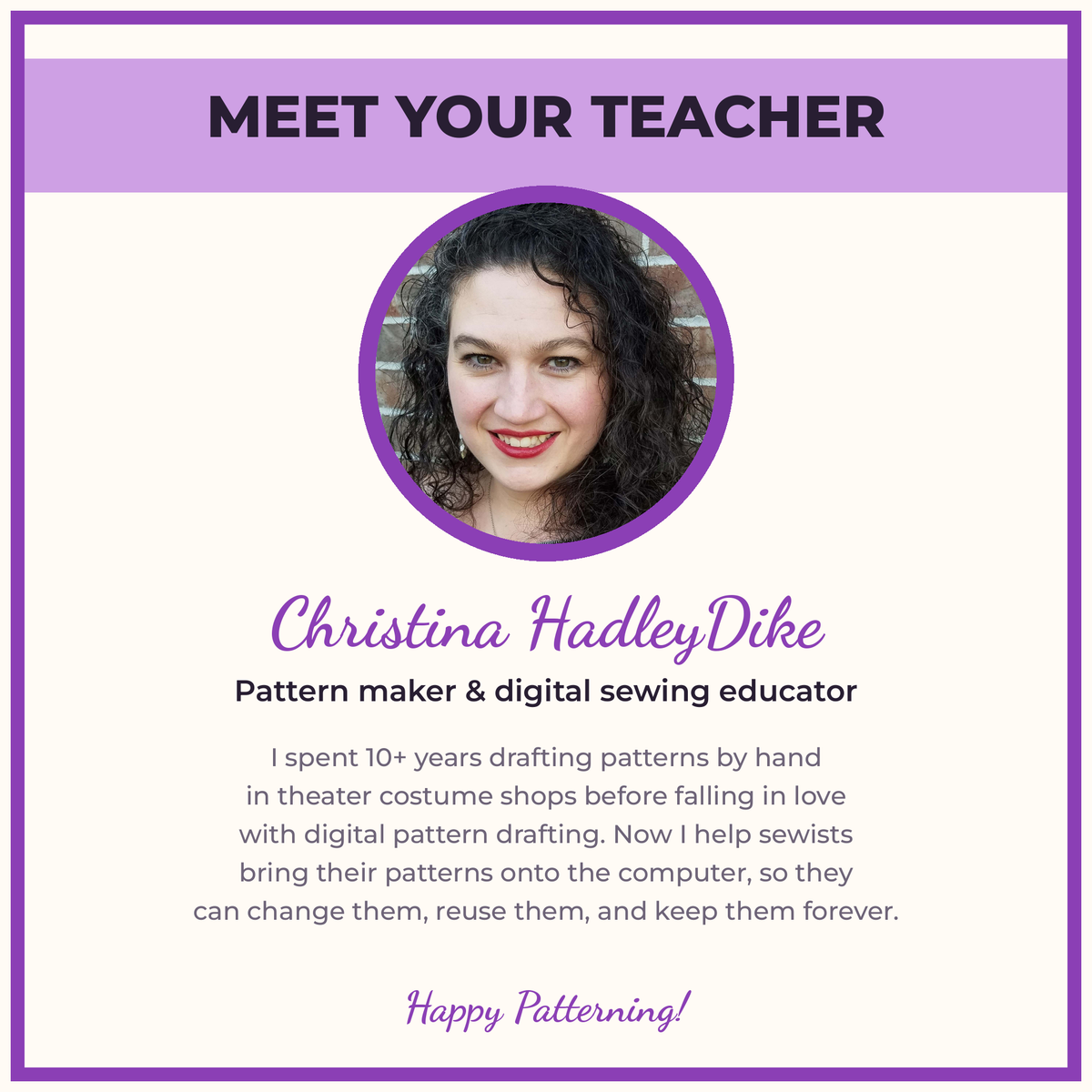
Hi, I'm Christina HadleyDike. I spent more than a decade drafting patterns by hand for theater costume shops before falling in love with digital pattern drafting. I created this course because I kept watching sewists lose beautiful patterns to rips, folds, and lost pieces. Once your pattern lives on your computer, it's yours to change and reuse forever, and I'll show you exactly how to get it there.
How access works
This is a digital course. Nothing ships. After checkout you'll receive an email with your login to the course portal so you can start right away.
FAQ
Do I need a scanner? No. Method 2 uses photos from your phone or camera, and Method 3 uses a projector.
Which software should I use? Whichever you have. Adobe Illustrator, CLO3D, and Affinity Designer all work.
Is this beginner-friendly? Yes. Lessons go step by step, and the welcome section gets you set up before you start.
How long do I have access? Lifetime access, including future updates.
Materials
Materials
This is a digital product, nothing will be physically mailed
Shipping & Returns
Shipping & Returns
Shipping:
Digital Products delivered digitally, via the email address you provide at checkout. It should arrive within 5-10 minute of your purchase.
Returns:
No returns, exchanges, or refunds for digital products. If you have any questions or concerns please contact me directly.